
Automating Your Execution: Why SL-Limit Orders are Critical for Options Buying
Picture this: You are watching the Nifty 50 on a Thursday morning. You have drawn your Opening Range Breakout (ORB) levels perfectly. Suddenly, a massive green candle breaks your resistance line. You panic, quickly select your At-The-Money (ATM) Call option, and smash the “Buy Market” button.
The breakout works flawlessly, but when you look at your P&L, you are barely in profit. Why? Because you suffered from Slippage.
When you trade Nifty options breakouts manually, you are competing against high-frequency trading algorithms and institutional bots. By the time your finger clicks the mouse, the option premium has already spiked. If you want to scale up and trade systematically—especially across multiple accounts—you have to stop using Market orders and master the SL-Limit Order.
The Problem with Market Orders (The Slippage Trap)
A Market Order tells your broker, “I don’t care about the price, just get me into this trade right now!”
When a breakout happens, the “Ask” price (what sellers are demanding) shoots up instantly. If the option was trading at ₹100, a sudden burst of buying volume might clear out all the sellers at ₹100, ₹101, and ₹102. If you use a Market Order, your broker will fill your trade at whatever the next available price is—which might be ₹105 or ₹108.
Losing 5 to 8 points instantly to slippage completely destroys your Risk-to-Reward ratio as an options buyer.
The Problem with Normal Limit Orders (The “Pending” Nightmare)
To avoid slippage, many beginners switch to regular Limit Orders. A Limit Order tells the broker, “I only want to buy if the price is exactly ₹100 or lower.”
The problem? In a fast Nifty breakout, the premium will hit ₹100, jump to ₹102, and never look back. Your Limit Order will just sit in your broker’s system as “Pending,” and you will be left standing on the platform watching the train leave without you.
The Solution: The Stop-Loss Limit (SL-Limit) Order
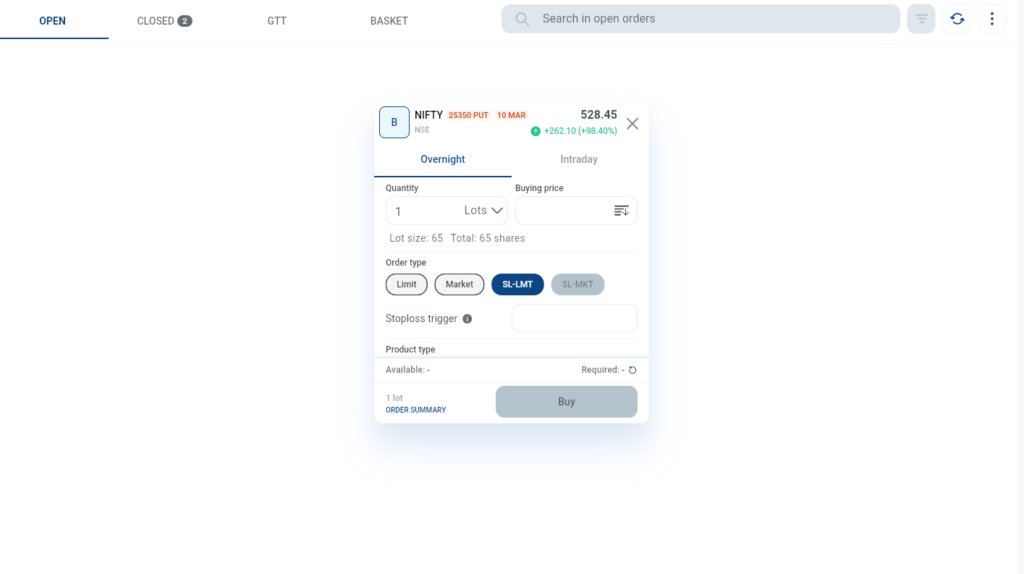
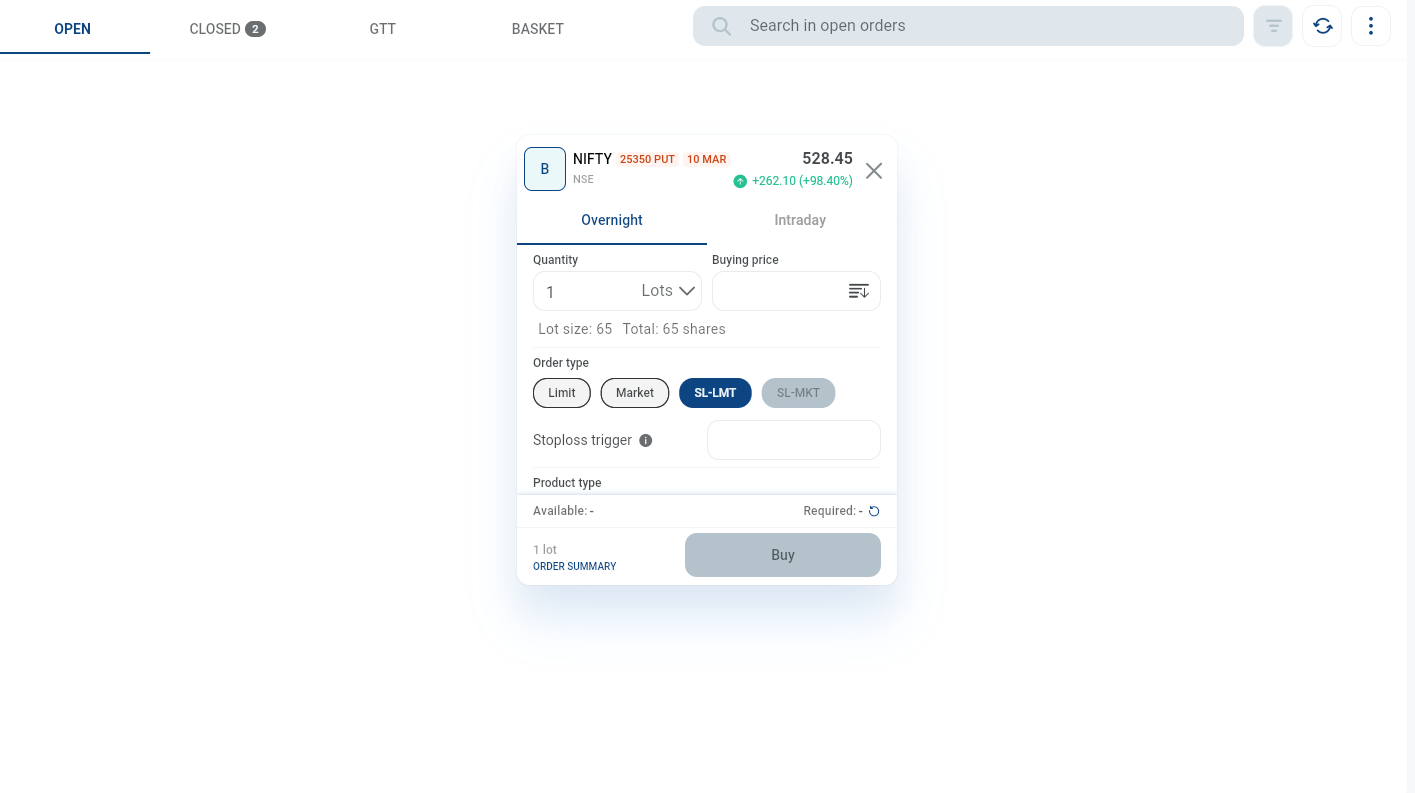
This is the secret weapon of systematic options buyers. An SL-Limit order allows you to automate your breakout entries without suffering massive slippage.
It consists of two parts:
- The Trigger Price: This is the price that “wakes up” your order.
- The Limit Price: This is the absolute maximum you are willing to pay.
How it works in a real trade:
Let’s say the Nifty is approaching your ORB resistance line. The ATM Call option is currently hovering around ₹95. You know that if the premium crosses ₹100, the breakout is confirmed.
Instead of waiting and watching, you place an SL-Limit buy order in advance:
- Trigger Price: ₹100
- Limit Price: ₹102
When the premium hits ₹100, your order becomes active. Your broker will immediately try to buy the option, but they are strictly forbidden from paying more than ₹102. If the market spikes to ₹105 instantly, you won’t get filled, protecting you from buying at the absolute top. But usually, you will get filled cleanly between ₹100 and ₹102.
Why Automation is the End Game
Typing these numbers into a broker terminal manually takes time. That is why professional system traders use APIs and custom trading software.
When you build or use a custom trading terminal, you can pre-define your SL-Limit buffers. You can tell your software: “Whenever my TradingView Pine Script fires a buy signal, instantly shoot an SL-Limit order to my broker with a 2-point buffer.”
This completely removes human hesitation, guarantees you get the exact price you want, and allows you to execute the same perfect trade across 5 or 10 different accounts simultaneously.
Stop clicking “Buy Market” and hoping for the best. Automate your execution, control your slippage, and trade like a machine.